APPIMIZE TIPS & UPDATES
APPIMIZE TIPS & UPDATES
Hello Appimize Family, I have made this app for the purpose of giving Tips and Updates to Appimize. I will try to stay up to date with all new features and updates to keep everyone in the loop!!
If you would like to be updated to new features and updates make sure you allow push notifications on android and for IPhone you would have to sign-up to see notifications under profile.
I may have missed some but will continue to update weekly.
LEGEND
Red - Not On Update List
Yellow - Under Development
Green - Feature Updates Completed
White - Questions
If you need support for any reason here is the email to contact. support@appimize.app
QUESTION: When will you be able to add venmo, Bing, and Zelle icons please?
ANSWER: Its not in update list yet.. you can upload icon images as per your need in different sections. I will try to get those icons added in future update.
QUESTION: Is there a way to make a page editable?
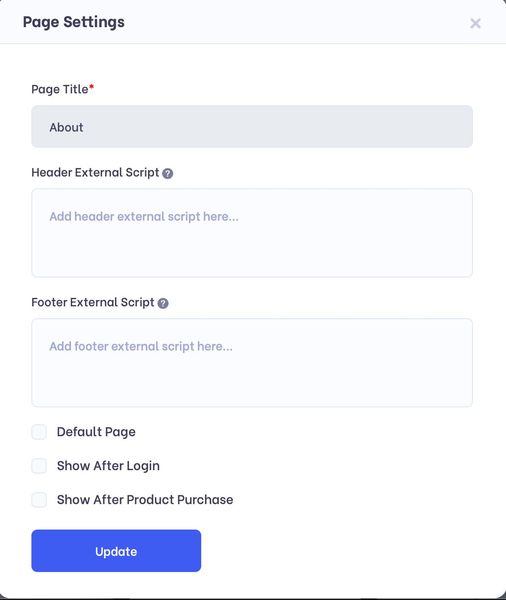
ANSWER: You can edit pages .. all pages are editable. In page settings you choose Show after login so page content will be shown after login only.
PAGE SETTINGS
QUESTION: When will the loyalty program be released?
ANSWER: About Loyalty Program it is under development .. it's little complicated part so it is taking to complete but soon it will be implemented and live.
QUESTION: When will we be able to duplicate or replicate a page?
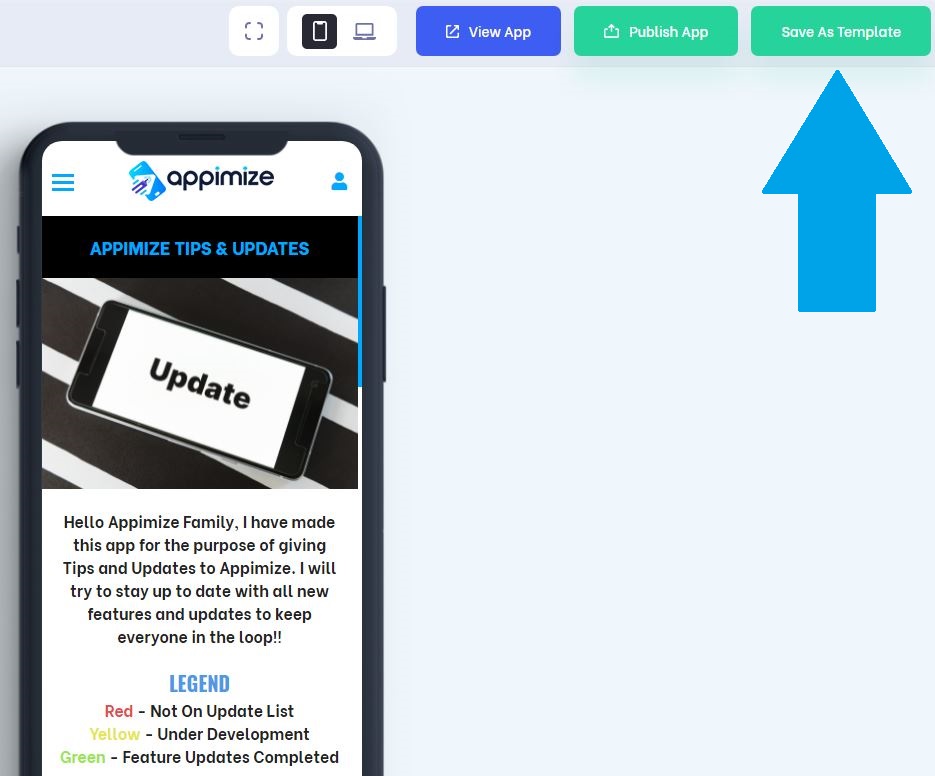
ANSWER: Template creation feature is implemented. Near Publish button for every campaign in editor you can see the Save as Template button that will save your campaign as template which you can access under your profile menu at top right corner there is "My templates" link click on that which will open your templates section here you can access all your templates using which you can create new app.
HOW TO ALLOW PUSH NOTIFICATIONS
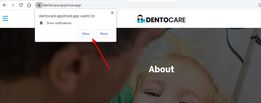
When you open App url in your browser for first time it shows that browser popup to allow push notifications message. If you will allow push notifications then only the push notification message will be sent to that user. This only works for Android users, IPhone has not implemented this into their platform yet and don't know if they will ever do this.
QUESTION: Are we able to add a countdown timer in the app?
ANSWER: Yes, in Components list there is "Countdown Timer" component which you can use.
Countdown Timer
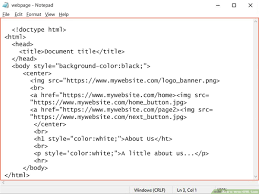
QUESTION: Is there a way to insert HTML code?
ANSWER: Not yet, but we will add an component for in page html/javascript with our upcoming update as soon as loyalty program component is released.
QUESTION: When a client makes an account on the apps how can they check the status of their booking?
ANSWER: In app menu area under Profile menu please enable default Booking page and then publish app to update settings.
Once Booking page is enabled app user can login and in profile menu go to Booking page here they can see all their bookings and booking status.

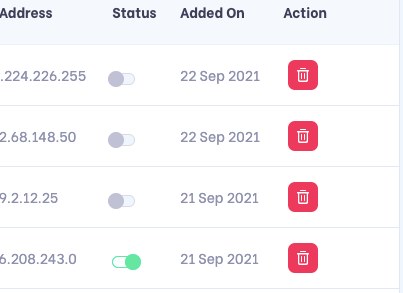
QUESTION: When I go to the app user section under user status some are green (on) and some are grey (off). What does this mean?
ANSWER: Status green means those accounts are active and status grey means either they are not activated yet by email verification OR inactivated by app owner.
QUESTION: Has anyone experienced an "inactive user" error message when attempting to log into an active app you've built? It then suggests to see your admin for details.
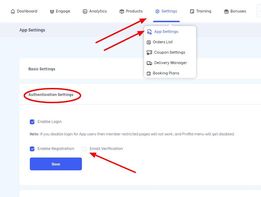
ANSWER: In App Settings area if email verification is enabled (option shown in screenshot) then to activate account user either need to verify email via the link sent to their email address used in registration OR admin need to manually activate user account then only your app user will be able to login else he will get either verify email error OR the error you have mentioned. Hope that answers your doubt but if not then please contact our support for help.
QUESTION: Is there a way to turn on or off apps instead of deleting them?
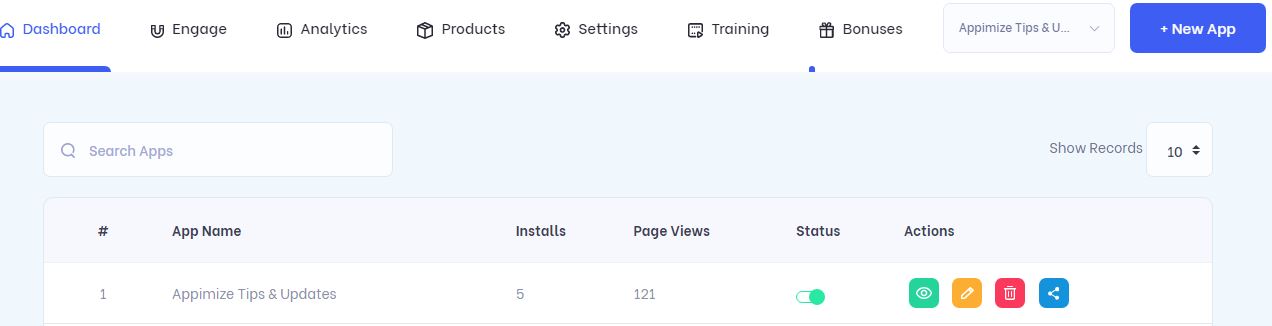
ANSWER: On Dashboard at top right there is a button "All Apps" click that it will open All apps page where you can see your list of apps and change status of respective app whenever you want.
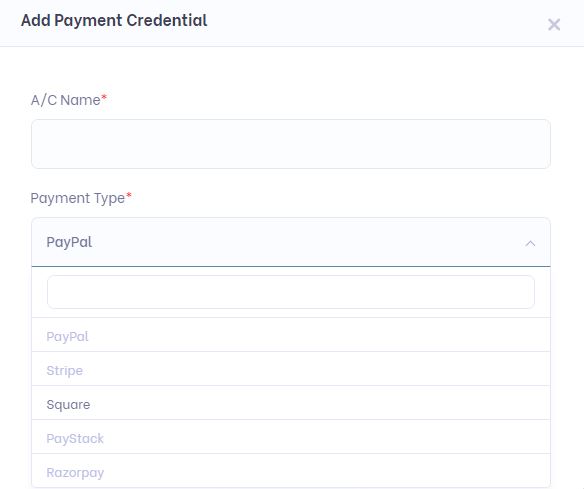
QUESTION: We need Paystack payment processor integration?
Answer: Payment processors have been added and completed. Go to your account settings tab and than click payment details. There you will be able to add new payment processor.