Step 1b -
Create Offer Landing Page
Step 1b -
Create Offer Landing Page
Hopefully, you are already using an auto-responder service like Aweber or Active Campaign to run email campaigns and follow-ups.
Most Auto-responder services offer the feature of creating a landing page and can usually be created in a few minutes.
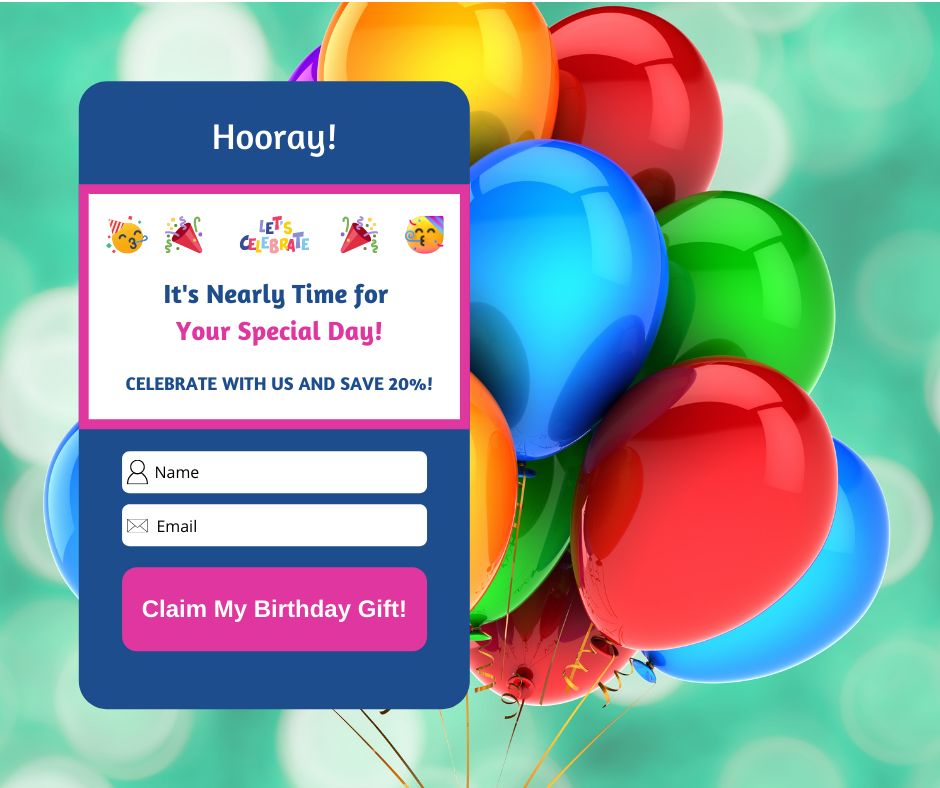
Your landing page is where your prospects claim their birthday coupon.
Set the call-to-action as an opt-in with name and email to claim the offer.
Use the landing page url as the url in your facebook ad. Then, when a prospect clicks the ad to claim the offer, they will be redirected to your landing page and submit their name and email.
This data can be linked to the birthday mailing list you create in your auto-responder.
Make sure to include your facebook pixel to build your audience list.
To help you hit the ground running, I’ve created some sample landing page templates that you can copy.
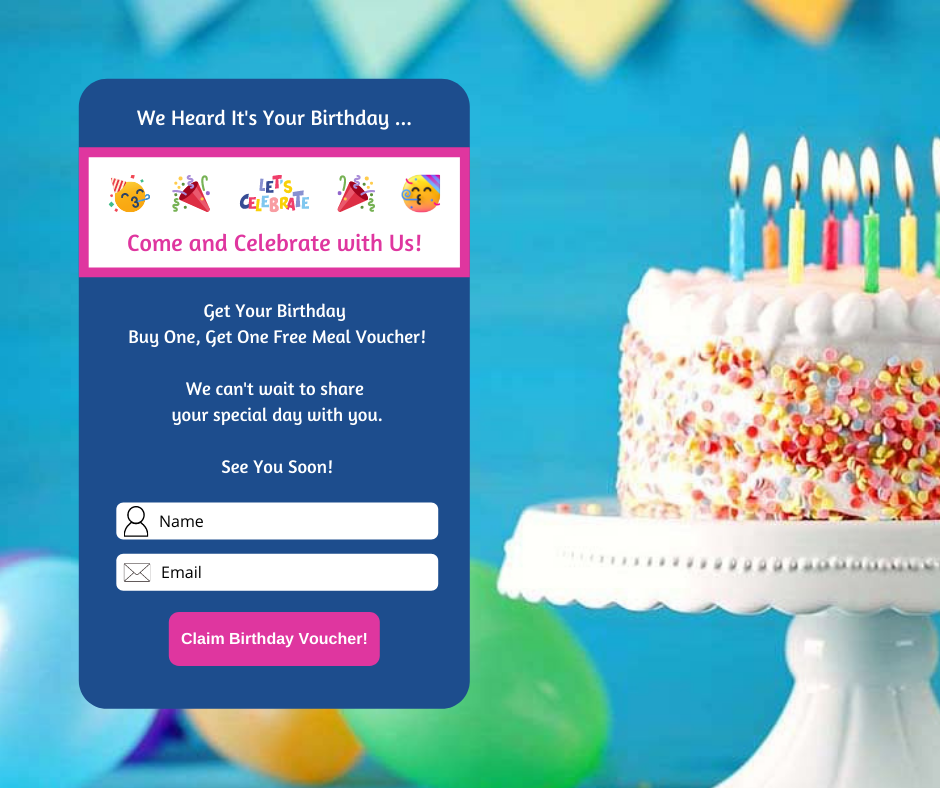
Your CALL-TO-ACTION button should be linked to the 2nd page of your landing page which is a Thank You Page.
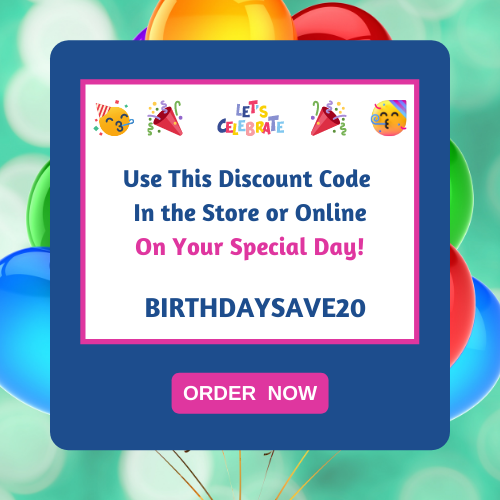
This is where you give the subscriber their GIFT CODE to use to receive their birthday offer. For example, BirthdaySave10%.
Here is an example of the Thank You Page.
These graphic examples were created on Canva.